Skip to content

Kentro OS · Freight

Freight quoting software for ecommerce brands that also ship pallets

Quote, book and track LTL, truckload and intermodal freight with Uber Freight and Warp inside Kentro OS. Start from the order: the pickup warehouse, the delivery address and the PO number are already there, and the bill of lading prints when you book.

  • LTL, truckload and intermodal
  • Uber Freight and Warp
  • Bill of lading included
  • Quoted from the order
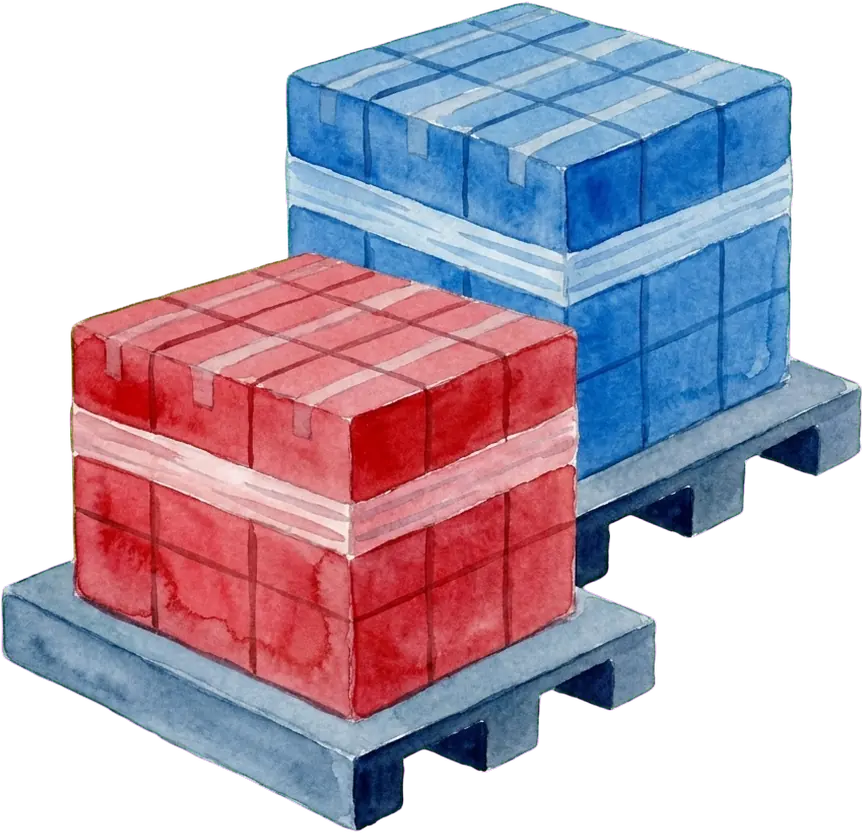
A pallet shipment being loaded onto an LTL truck

What is freight quoting software?

Freight quoting software collects the details of a pallet or truckload shipment, gets rates from carriers and books the one you choose. Kentro OS, an ecommerce ERP, quotes, books and tracks LTL, truckload and intermodal freight with Uber Freight and Warp from the order it belongs to, so the pickup, delivery address and PO number come from the order.

The freight flow

How a freight shipment goes from order to delivery

  1. Step 1: Enter the freight details

    Start from the order on the ship screen, from the freight page, or while you enter a new order. Add the handling units: pallets or other package types with their weight, dimensions and freight class, plus services such as a liftgate or a delivery appointment.

  2. Step 2: Compare the rates

    Kentro returns the rate options for the modes you asked for. Rates expire, and Kentro refreshes the quote when the details change or a rate is no longer valid, so you never book a price that was quoted for a different shipment.

  3. Step 3: Book the load

    Choose a rate and book it. Kentro tenders the load, holds the booking on the order and gives you the bill of lading to print for the driver.

  4. Step 4: Track it to delivery

    The load moves through booked, dispatched, picked up, in transit, out for delivery and delivered. The freight page shows where each load is and flags exceptions.

What it does

Freight in the same system as the order

LTL, truckload and intermodal in one place

Quote less-than-truckload freight by handling unit and freight class, or quote a full truckload or an intermodal move by the load. For a truckload, choose a dry van, a reefer or a flatbed, set the temperature range for a reefer, and say whether a stop is a live load or a trailer drop.

  • LTL by package type, weight, dimensions and class
  • Truckload with a dry van, a reefer or a flatbed
  • Intermodal as a third mode on the same quote
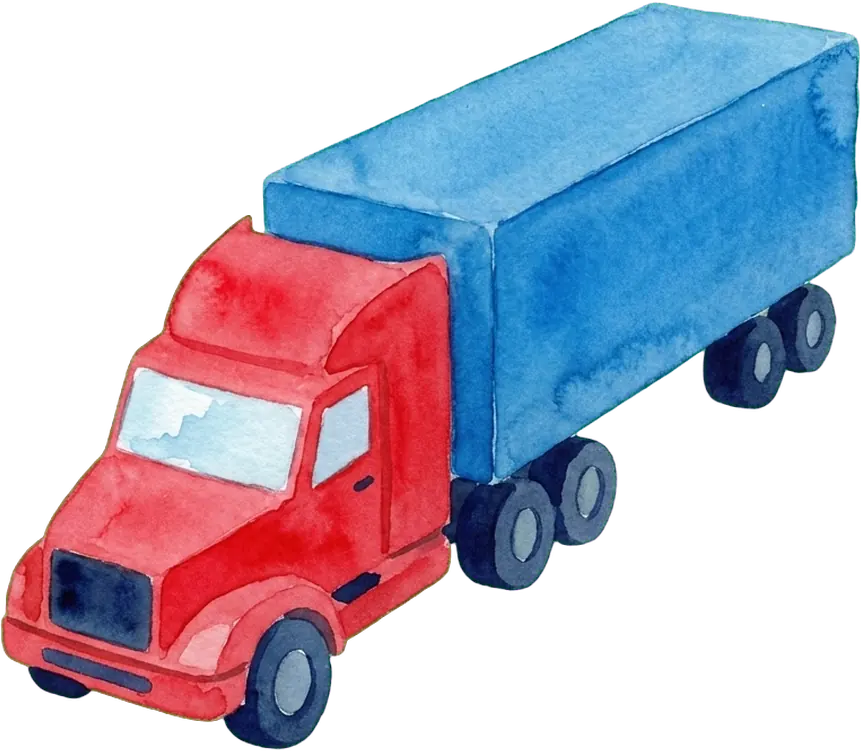
A full truckload shipment

The quote starts from the order, not from a blank form

On the ship screen, the freight panel opens with the ship-to address of the order as the delivery stop, your warehouse as the pickup and the PO number of the order filled in. The first handling unit starts with the weight from the scale or from the scanned items, and the order number prints on the bill of lading.

  • Pickup, delivery and PO number from the order
  • Starting weight from the scale or the packed items
  • A freight quote while you enter a new order
Freight details filled in from an order

Use Kentro Freight or your own carrier account

Where Kentro Freight is enabled for your account, it is ready to use with no setup: quote and book with a nationwide carrier network, billed through Kentro. If you have your own Uber Freight or Warp account, connect it in freight settings and choose which account new quotes start on.

  • Kentro Freight: no carrier contract to set up
  • Or connect your own Uber Freight or Warp account
  • Choose the default account for new quotes
The Kentro Freight account, ready to use

Follow every load on the freight page

The freight page lists live shipments, quotes and history. Open a load to see its status, stops and documents, print the bill of lading again or cancel a booking. A load booked for an order is held on that order, so nobody ships the same order a second way.

  • Shipments, quotes and history
  • Print the bill of lading again
  • Cancel a booking from the load
A list of freight shipments with their status

One job, three ways

Check whether a pallet order has shipped, three ways

Check whether a pallet order has shipped

  1. In the app

    Open the freight page, find the load and read its status and stops. The order it belongs to shows the same booking.

    A booked freight load with its status
  2. With Kentro AI

    Ask "Has the pallet order for the Dallas distribution center shipped?" Kentro AI reads the order and its fulfillment status and links the record. Freight quotes and bookings are not AI tools, so the load itself is one click away in the app.

    Kentro AIIn Kentro
    1. you ›Has the pallet order for the Dallas distribution center shipped?
    2. listOrdersFound the open order for that ship-to
    3. getOrderDetailRead the order and its fulfillment status
    4. The order is marked shipped as of yesterday. Open the order to see the freight load and its tracking.

  3. With your agent

    Your agent reads the order over MCP with getOrderDetail and getFulfillmentPipeline. Quoting and booking freight happen in the app: no MCP tool quotes, books or cancels a load.

    Your agentConnected to Kentro over MCP
    1. you ›Which wholesale orders over 500 lb have not shipped?
    2. getFulfillmentPipelineRead open fulfillment orders over MCP
    3. getOrderDetailRead the lines and weights of each open order
    4. These open orders are heavy enough for freight. A person quotes and books each load in Kentro.

Questions about freight in Kentro OS

Which freight modes and providers does Kentro support?

LTL, full truckload and intermodal, quoted, booked and tracked with Uber Freight and Warp. A truckload can ask for a dry van, a reefer or a flatbed. Parcel shipments are separate: they use UPS, USPS, FedEx and DHL on the ship screen. Ocean and air freight are not booked in Kentro.

Do I need my own Uber Freight or Warp account?

No. Where Kentro Freight is enabled for your account, it is ready to use without a carrier contract: you quote and book through Kentro, and the loads are billed through Kentro. If you already have an Uber Freight or Warp account, connect it in freight settings and pick which account new quotes start on. Either way, the quote, the booking and the tracking stay with the order.

What information do I need for an LTL quote?

The pickup and delivery addresses, the pickup date, and each handling unit: package type such as pallet or crate, count, weight, dimensions and freight class. Add services when they apply, for example a liftgate, a residential or limited-access delivery, an appointment or inside delivery, and flag hazardous materials. When you quote from an order, the addresses, the PO number and a starting weight are already filled in.

Can I get a freight quote before the order exists?

Yes. The freight page has a quote builder for a shipment with no order yet, and the new order screen can get a freight quote while you enter the order. There, the quote starts from the weight of the items on the order, and the rate you choose becomes the fixed shipping charge. If you change the ship-to address or the items afterward, Kentro flags that the rate was priced for something else.

Does Kentro produce the bill of lading?

Yes. When you book a load, Kentro produces the bill of lading with the PO number and the order number on it, and you print it for the driver. You can print it again from the load on the freight page. For retail orders, the GS1-128 labels come from the EDI tools on the same order, so the paperwork for one shipment is in one place.

Quote your next pallet from the order

See the rates, book the load and print the bill of lading without leaving Kentro OS.

Choose what this site may use. Necessary storage is always on.

  • Necessary

    Remembers this choice for 12 months and keeps forms safe from spam. No tracking.

    Always on

Cookie policyPrivacy policy